1.25xSlightly Faster
Perfect for lectures, podcasts, and walkthroughs you need to get through 20% quicker.
Time saved:60 min → 48 min
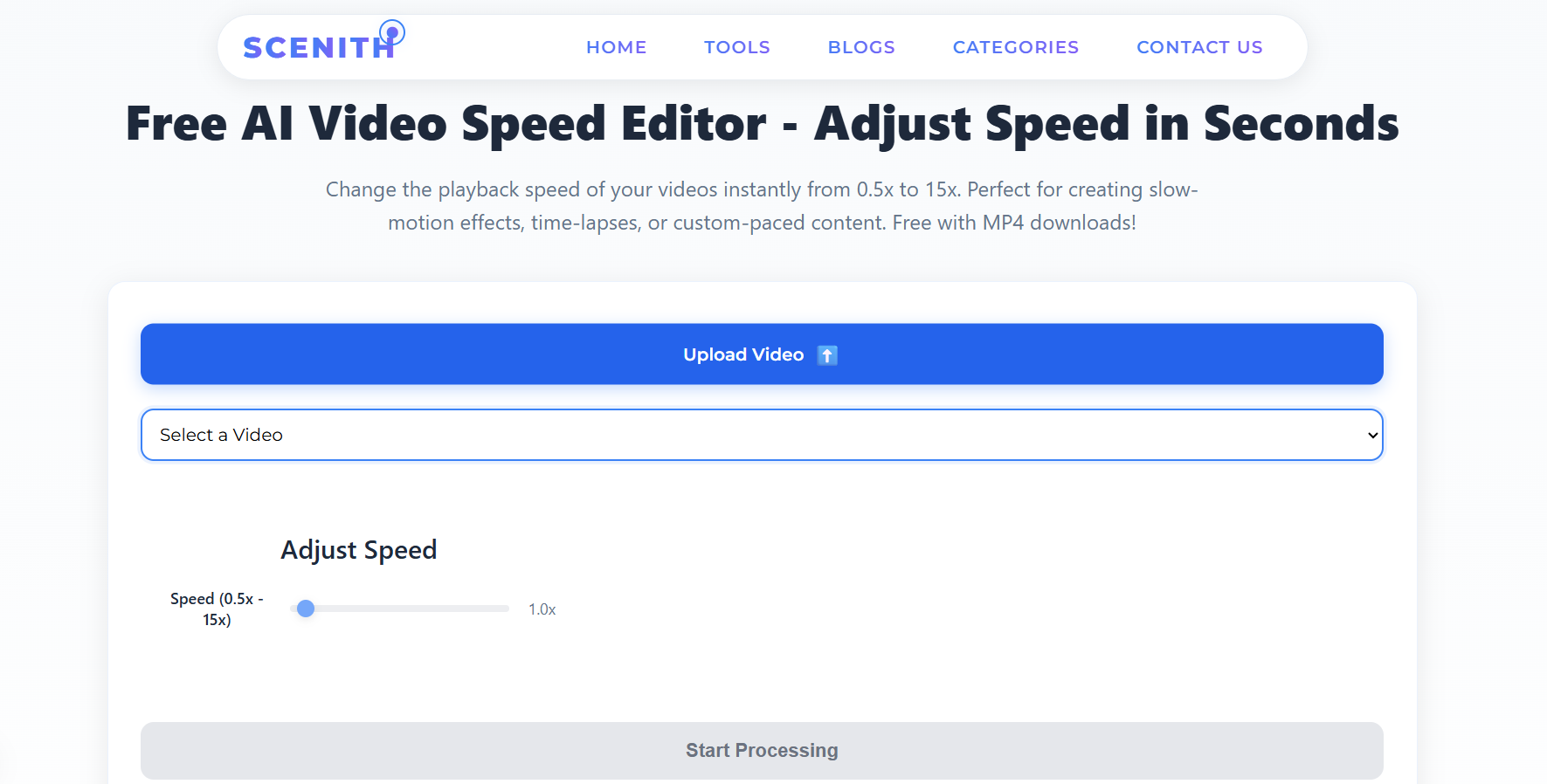
Make any video play faster in under 3 minutes. Upload your file, pick your speed increase — 1.25x to 15x — and download a clean MP4. No app download. No account needed to preview. Always free.
MP4, MOV, AVI, MKV, WebM · Up to 500MB · Instant export
Every speed increase serves a different creative goal. Here's exactly what each multiplier does to your video and when to use it.
Perfect for lectures, podcasts, and walkthroughs you need to get through 20% quicker.
The gold standard for Instagram Reels and TikTok. Punchy, energetic, holds attention.
Cut any video in half. Ideal for tutorials, meetings, and how-to content.
Montage pace. Great for process videos, setup sequences, and transition clips.
Watch hours of footage in minutes. Used for construction, cooking, nature content.
Maximum compression. Turn a full day of footage into a 96-second highlight clip.
Drag and drop or browse to select your MP4, MOV, AVI, MKV, or other video format. Files up to 500MB are supported. Your upload is encrypted in transit and auto-deleted after processing.
Choose from one-click presets (1.25x, 1.5x, 2x, 4x, 8x, 15x) or type any custom value. Use the live preview player to confirm the speed feels right before committing to the export.
Select output resolution from 144p to 4K depending on your plan. Higher resolution means larger file but sharper output — recommended to match your source quality for best results.
Click 'Start Processing.' Server-side FFmpeg renders your speed-increased video in approximately 2 minutes for most files. Download a clean, watermark-free MP4 directly to your device.
Speed increases aren't just a creative choice — they have measurable, proven impacts on viewer retention, algorithm performance, and content output.
Viewers are 3x more likely to finish a 1.5x video than a normal-speed one of the same source length. Speed increases directly improve completion rates — the #1 signal most platforms use for distribution.
Platform algorithms reward high completion rates. A 2-minute video sped up to 1.5x becomes 80 seconds — far more likely to be watched fully, triggering the algorithm's distribution boost.
Faster video = shorter duration = smaller file. A 2x speed increase cuts file size roughly in half. Critical for platforms with upload size limits and for reducing CDN storage costs at scale.
One hour of raw footage becomes three distinct clips at 1x, 2x, and 4x — each useful for different platforms and audiences. Speed increases multiply your content output without additional shooting.
The right speed increase depends on where your video will live. Here's the data-backed recommendation for each major platform.
Increase to 1.5x–2x for tutorial content. Shorter runtime improves completion rate and signals quality to the algorithm.
Speed up to 1.5x for b-roll and transitions. Reels under 30 seconds sped up 1.5x outperform 60-second normal-speed clips by 3x in reach.
Speed up POV and process videos to 2x–4x. Fast-paced content retains viewers past the critical 3-second mark that TikTok uses to determine distribution.
Professional audiences prefer 1.25x–1.5x for thought leadership and demo videos. Saves viewer time without losing comprehension.
Speed up recorded lessons to 1.25x or 1.5x. Research shows 1.5x is the sweet spot — students retain 95% of information vs normal speed.
Client demo recordings at 2x let stakeholders review 4 demos in the time they watch 2 at normal speed — a major win for enterprise sales.
When you increase video speed, you're not simply fast-forwarding a recorded file. The underlying process re-encodes the video entirely — every frame's Presentation Timestamp (PTS) is recalculated based on the speed multiplier. At 2x speed, frames that would display at second 2 are now displayed at second 1. The total number of frames decreases proportionally, resulting in a shorter file with a smaller duration and file size.
Scenith uses FFmpeg's setpts=PTS/[multiplier] filter for video stream processing and chains atempo filters for audio, maintaining pitch correction automatically. The entire re-encoding process runs on GPU-accelerated servers, which is why processing completes in approximately 2 minutes regardless of original file length.
The average human attention span when watching online video is 8–12 seconds before a viewer decides to continue or leave. A video playing at 1.5x speed delivers 50% more information in those critical seconds, giving viewers more reason to stay. This is why completion rates consistently improve when video speed is increased — there's less "dead time" and faster delivery of the value the viewer came for.
Platform algorithms including YouTube, TikTok, and Instagram all use watch time percentage (completion rate) as a primary distribution signal. A 60-second video watched fully registers as 60 seconds of watch time. The same source video at 1.5x becomes 40 seconds — and if a viewer watches it fully, you've achieved 100% completion rate vs potentially 60–70% on the longer version. Higher completion = more distribution.
Speed increases don't improve every type of content. Here are the cases where maintaining normal or even slower playback is strategically correct:
The correct approach is to understand your audience's intent. Speed increases work when the viewer's goal is information retrieval. Keep normal speed when the viewer's goal is emotional experience.
| Original Duration | At 1.25x | At 1.5x | At 2x | At 4x | At 8x |
|---|---|---|---|---|---|
| 30 seconds | 24 sec | 20 sec | 15 sec | 7.5 sec | 3.75 sec |
| 1 minute | 48 sec | 40 sec | 30 sec | 15 sec | 7.5 sec |
| 5 minutes | 4 min | 3.3 min | 2.5 min | 75 sec | 37 sec |
| 30 minutes | 24 min | 20 min | 15 min | 7.5 min | 3.75 min |
| 1 hour | 48 min | 40 min | 30 min | 15 min | 7.5 min |
| 8 hours | 6.4 hr | 5.3 hr | 4 hr | 2 hr | 1 hr |
Ready to make your video faster?
Free, no account required to start, no watermark ever. Trusted by 30,000+ creators on YouTube, TikTok, Instagram, and LinkedIn.
Increase Video Speed FreeNot all video speed increasers are equal. Here's how Scenith stacks up against the most commonly used alternatives.
| Feature | Scenith | CapCut | InShot | Adobe Premiere |
|---|---|---|---|---|
| Cost | ✅ Free forever | ⚠️ Freemium, watermark | ⚠️ Freemium, watermark | ❌ $20–55/month |
| Speed Range for Increase | ✅ 1.25x – 15x | ⚠️ Up to 10x | ⚠️ Up to 2x | ✅ Unlimited (complex) |
| Watermark on Free | ✅ Never | ❌ Yes | ❌ Yes | ✅ N/A (paid only) |
| Browser-Based (No Install) | ✅ Yes | ⚠️ App required | ⚠️ App required | ❌ Desktop install |
| Audio Pitch Correction | ✅ Automatic | ⚠️ Manual toggle | ⚠️ Manual toggle | ⚠️ Needs plugin |
| Processing Speed | ✅ ~2 min server-side | ✅ Fast | ✅ Fast | ❌ 10–30 min local |
| Export Up to 4K | ✅ Studio plan | ⚠️ 1080p max (free) | ⚠️ 1080p max | ✅ Any (requires setup) |
| Mobile Compatible | ✅ Any browser | ✅ iOS/Android app | ✅ iOS/Android app | ❌ Desktop only |
Upload your video to Scenith, select your desired speed (1.25x to 15x), click "Start Processing," and download your faster MP4. The entire process takes under 3 minutes and is completely free with no watermark on any export.
Scenith uses FFmpeg's hardware-accelerated processing pipeline to increase video speed while preserving original resolution, color accuracy, and visual sharpness. Exporting at your source resolution (up to 4K on Studio plan) ensures no quality degradation regardless of the speed multiplier applied.
Yes. Scenith is entirely browser-based. Upload from any device — desktop, tablet, or mobile — without installing any software. Processing happens on our servers, so your device performance has no impact on output quality or speed.
Scenith automatically applies pitch correction when increasing video speed, so voices and music stay natural-sounding at any multiplier up to 3x. Above 3x, audio naturally becomes less intelligible at any speed — in those cases, most creators remove the audio and add music or narration over the sped-up footage.
Scenith supports speed increases from 1.25x up to 15x. For reference, 15x turns a 24-hour time-lapse recording into a 96-second clip. Common use cases above 8x include construction progress, plant growth, cloud movement, and cityscape time-lapses.
Increasing video speed on Scenith is free. The free plan includes 5 speed exports per month at up to 720p resolution. The Creator plan ($X/month) adds 45 exports/month at up to 2K, and the Studio plan adds unlimited exports at 4K. No watermarks on any plan, ever.
You can increase the speed of MP4, MOV, AVI, MKV, WebM, FLV, and MPEG files. Output is always a clean H.264 MP4 — the most universally compatible format for web, mobile, and social media platforms.
Yes, significantly. A 2x speed increase roughly halves both duration and file size. A 4x increase compresses a 400MB source to approximately 100MB output. This makes speed increases useful not just for pacing but also for reducing upload times and storage costs on content platforms.
Whether it's a lecture recording, a marketing video, or a time-lapse project — Scenith increases your video speed for free, delivers a clean MP4 with no watermark, and has you done before you'd finish setting up Premiere.
Increase My Video Speed — FreeAlso explore: Video Speed Modifier · YouTube Shorts Speed · Manual Speed Control · All Tools · Pricing