0.4-Second Thumb-Stop Window
Mobile viewers decide to stay or swipe in under half a second. A slightly sped-up (1.25x) opening signals energy and density — triggering the brain's "this is worth my time" circuit faster than normal-speed footage.
Slow down to 0.5x for cinematic slow-mo or ramp up to 15x for hypnotic time-lapses. Built specifically for creators who need Shorts-ready exports in under 3 minutes.
YouTube's Shorts algorithm measures watch percentage, not just raw views. A strategically paced video that holds viewers 10% longer can push a Short from 1,000 to 100,000 views. Here's the science behind it.
Mobile viewers decide to stay or swipe in under half a second. A slightly sped-up (1.25x) opening signals energy and density — triggering the brain's "this is worth my time" circuit faster than normal-speed footage.
Shorts under 30 seconds with high completion rates get pushed hardest. A 40-second slow-motion clip cut to 20 seconds at 2x tells the same story, doubles completion rate, and gets 2x the algorithm push.
YouTube Shorts loops automatically. A video that ends abruptly at high speed feels unresolved — driving viewers to rewatch. Intentional speed ramps at the cut point increase loop rates by an estimated 30%.
Aligning visual cuts to beat drops becomes trivial when you control video speed. Speed up to 1.5x so your action hits the beat, instead of forcing an awkward edit around fixed footage.
Each speed setting triggers a different psychological response in viewers. Match the right speed to the right moment — and watch your metrics climb.
Speed up your opening clip so viewers get hooked before they even think about swiping. Shorts viewers decide in under 0.4s.
Slow down the money shot — a product reveal, a transformation, a reaction — for maximum emotional impact.
Compress 10 minutes of cooking, drawing, or building into a 15-second Short that feels impossibly polished.
Speed up talking sections slightly so tutorials feel tight and information-dense — exactly what algorithm rewards.
Give ordinary B-roll footage a cinematic weight. 0.75x feels premium without looking obviously slowed.
Speed-ramp into and out of cuts to create the satisfying "zoom-punch" transition popular in viral Shorts.
Upload any vertical (9:16) or landscape clip — MP4, MOV, AVI, MKV, WebM. Up to 500MB on the free plan. Your file is encrypted and auto-deleted after processing.
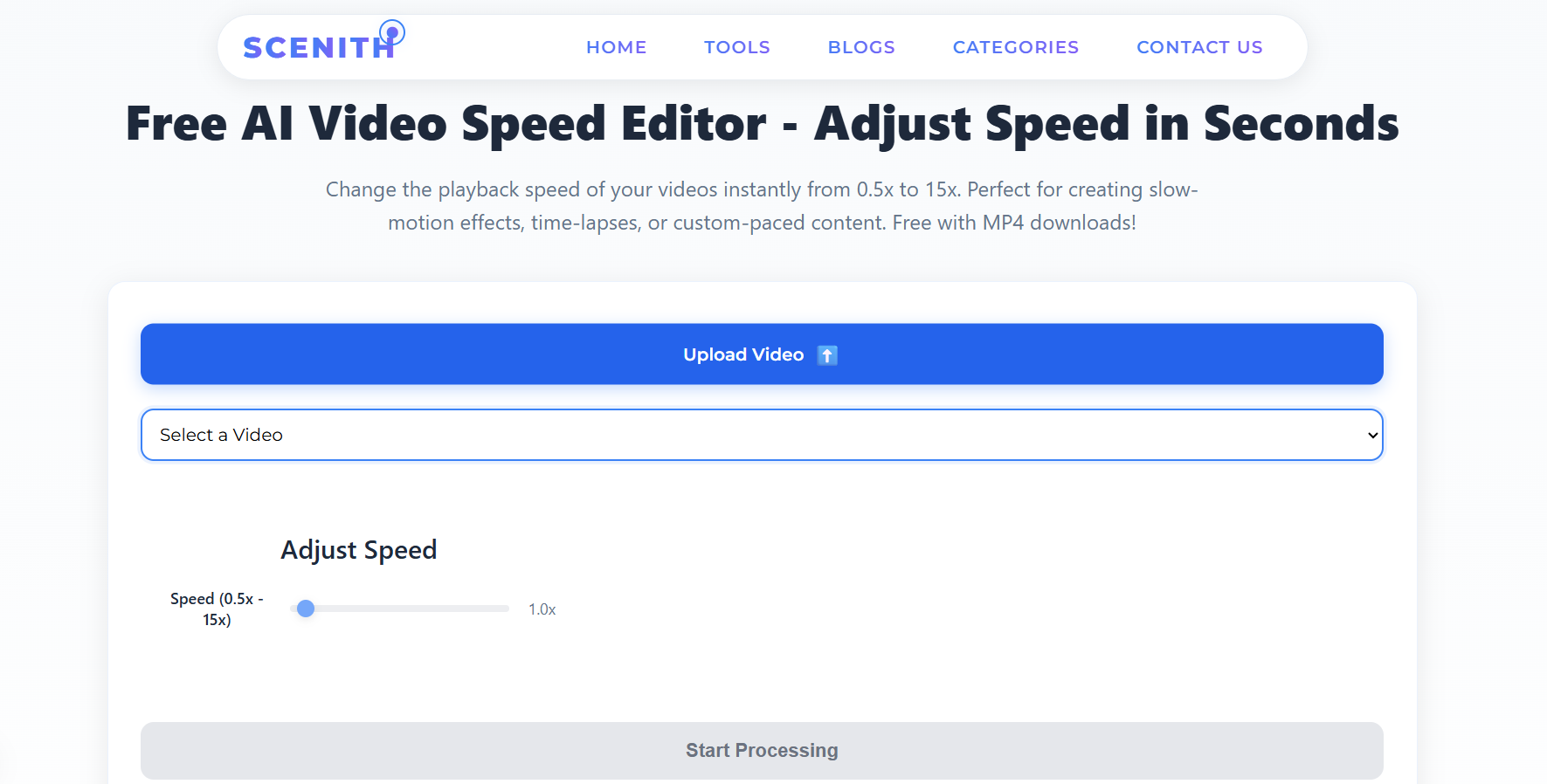
Choose from 8 creator-optimised presets (Dramatic Slow, Social Fast, Reels Speed, Timelapse…) or dial in any custom speed from 0.5x to 15x with a single slider.
Hit Export. Your video processes in under 3 minutes and downloads as a clean MP4 — no watermark, full quality, ready to upload directly to YouTube Shorts.
| Feature | Scenith | CapCut Speed | Adobe Premiere |
|---|---|---|---|
| Cost | ✅ Free forever | ✅ Free (with watermark risk) | ❌ $55/mo |
| Speed Range | ✅ 0.5x – 15x | ⚠️ 0.1x – 100x (unstable) | ✅ Unlimited |
| Audio Pitch Correction | ✅ Automatic | ⚠️ Manual toggle | ⚠️ Manual |
| Processing Time | ✅ ~2 minutes | ✅ Fast | ❌ 10–30 min render |
| No Watermark | ✅ Never | ⚠️ Requires pro to remove | ✅ Yes |
| Works on Mobile | ✅ Any browser | ✅ App only | ❌ Desktop only |
| Export Quality | ✅ Up to 4K (paid) | ⚠️ 1080p max free | ✅ Any |
| 9:16 Shorts Optimized | ✅ Preserves aspect ratio | ✅ Yes | ⚠️ Manual setup |
Source footage length × speed multiplier = final Short duration. Plan your source clips backward from your target Short length:
The most data-driven Shorts creators upload two versions of the same clip at different speeds (e.g., 1x vs 1.5x) as separate Shorts and compare 24-hour retention curves in YouTube Studio. Speed is the single variable you can change with zero re-filming — making it the cheapest A/B test in content creation.
Use Scenith to generate both versions in under 5 minutes, upload both, and let the algorithm tell you which pacing resonates with your specific audience.
Ready to optimize your Shorts?
Join 30,000+ creators already using Scenith to create faster, sharper, more engaging YouTube Shorts. No account needed to start.
Open Video Speed Editor — FreeIt depends on your content type. For hooks and energy-driven clips, 1.25x–1.5x keeps energy high. For dramatic reveals or emotions, 0.5x–0.75x builds tension. For time-lapses (cooking, art, builds), 8x–15x is ideal. There is no single "best" speed — the goal is matching speed to viewer emotion.
Yes. Scenith speed editor automatically adjusts and pitch-corrects audio so it doesn't sound like chipmunks or a slowed record. For extreme speeds (above 2x or below 0.75x), consider replacing audio with music or a clean voiceover instead.
YouTube algorithm doesn't directly penalize speed-adjusted videos. However, watch time and swipe-away rate matter enormously. A tightly paced 1.25x Short often retains viewers longer than a slow 1x version of the same content — indirectly boosting rankings.
Scenith supports MP4, MOV, AVI, MKV, WebM, MPEG, and FLV. For best results with Shorts, shoot in vertical (9:16) 1080×1920 format before uploading. The tool preserves aspect ratio and resolution.
Free plan users can upload videos up to 500MB. For longer YouTube Shorts source footage, the Creator and Studio plans support larger files and longer video lengths.
Yes — all speed-adjusted exports are 100% yours with full commercial rights. No watermarks are added at any plan level. Monetize, brand, and sell your Shorts without restriction.
Don't leave views on the table with the wrong pacing. Use Scenith's free speed editor and give your next Short the algorithmic edge it deserves.
Change My Video Speed — FreeAlso explore: Video Speed Modifier · All AI Video Tools · Pricing & Plans