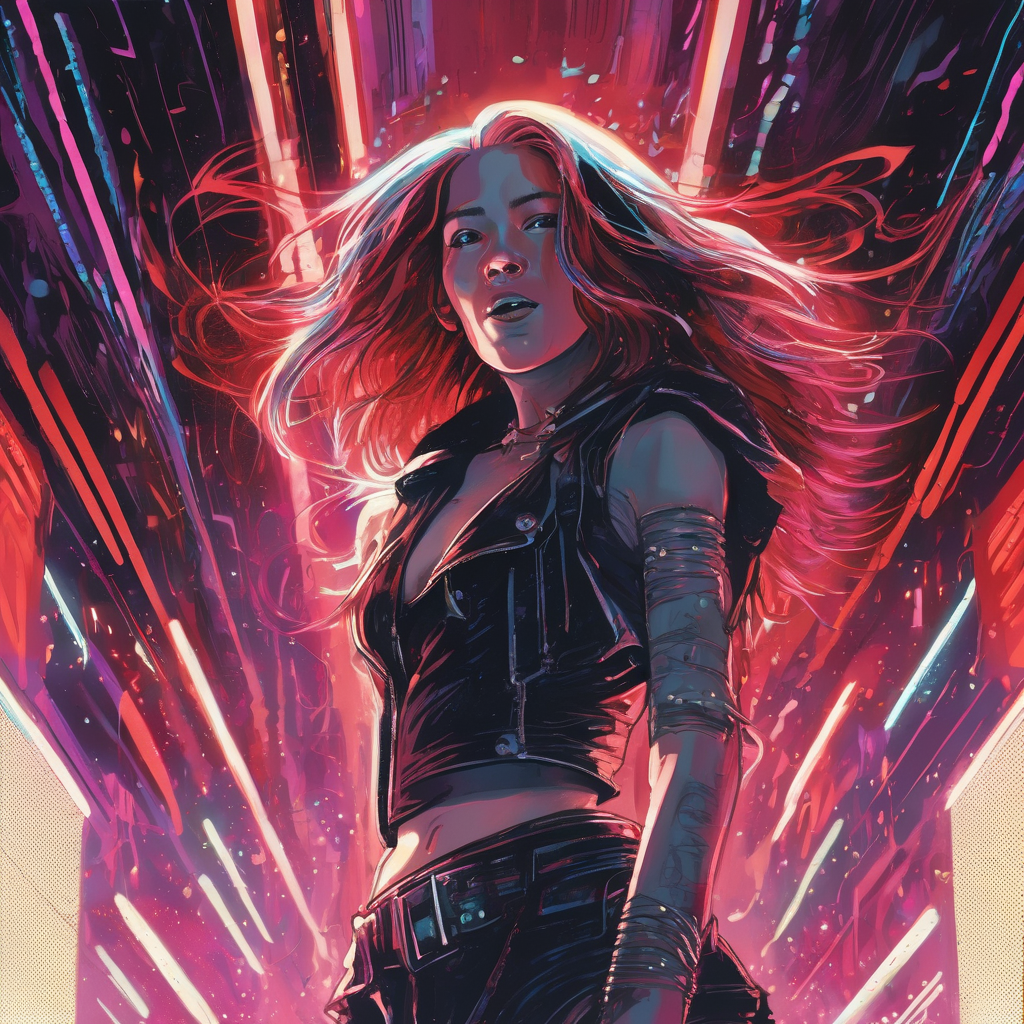
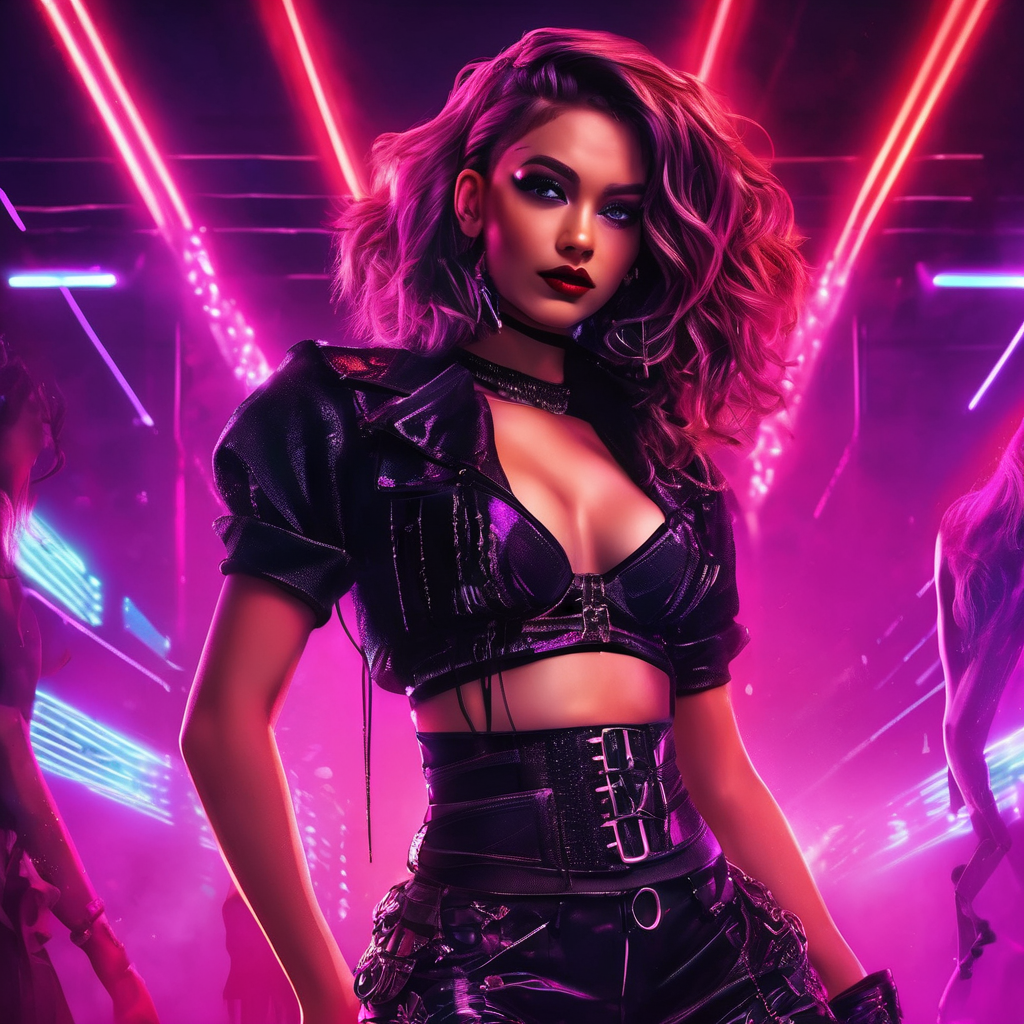
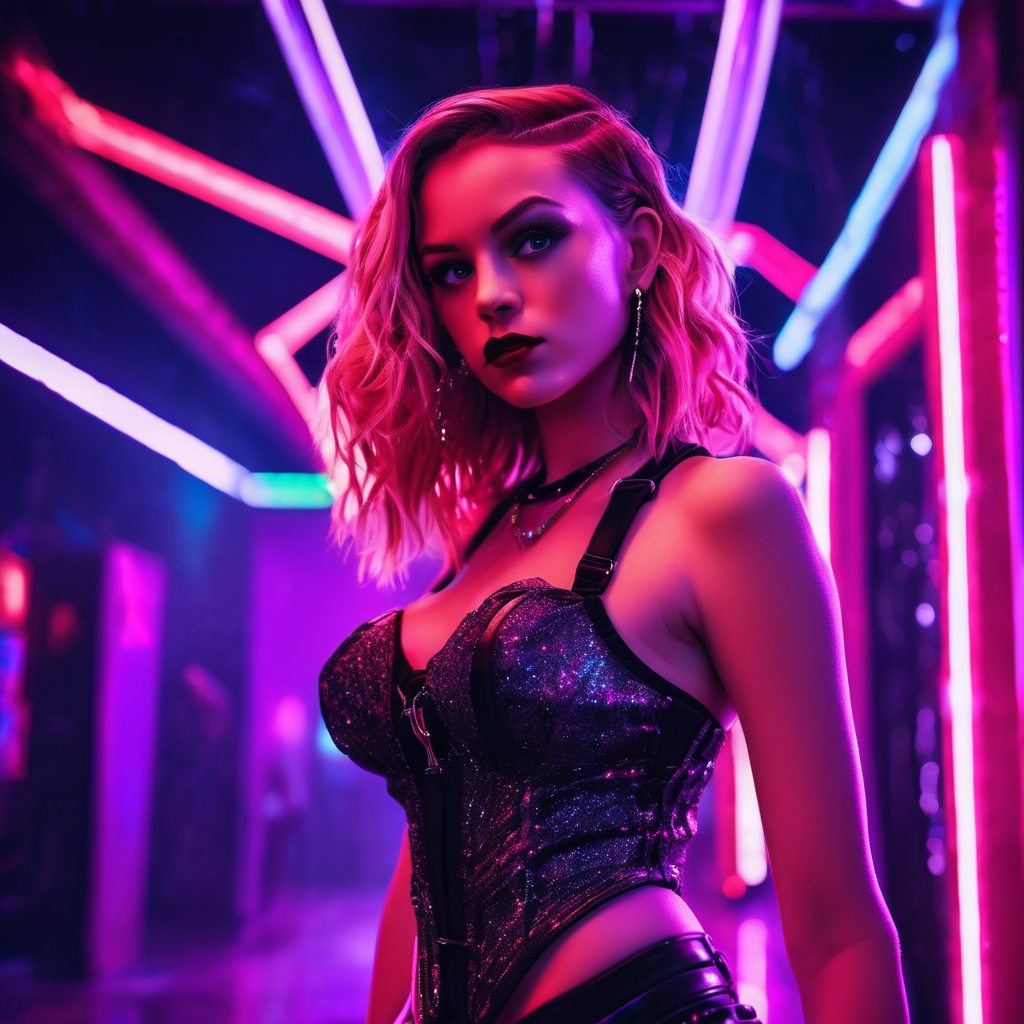
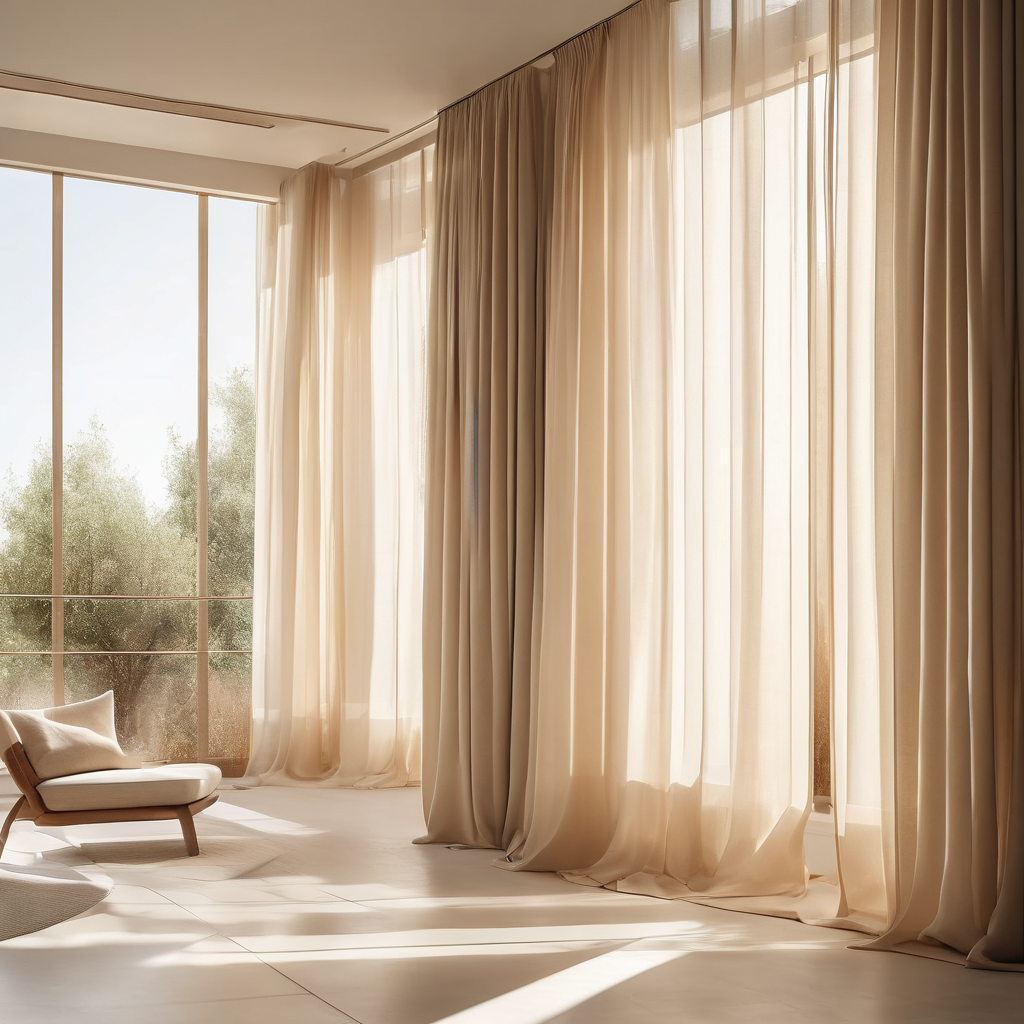
Everything creators, businesses, and developers want to know about AI text to image generation in 2026.
What is the best free text to image AI in 2026?
Scenith is widely considered the best free text to image AI for Indian creators due to its instant web access (no signup for first use), full commercial rights on the free tier, 8 art style presets, authentic support for Indian visual contexts, and seamless integration with a full image editing suite. Globally, Midjourney offers superior artistic quality but requires a paid Discord subscription. For pure technical flexibility, Stable Diffusion is unmatched but requires technical setup.
How accurate is text to image AI at following prompts?
Modern text to image AI (2026) achieves high prompt fidelity for clear, specific descriptions. Single subjects with detailed attributes are reproduced very accurately. Complex multi-subject scenes with specific spatial relationships can still present challenges. The key is specificity — the more concrete and visual your language, the more faithfully the AI interprets your intent. Abstract emotional concepts need to be translated into concrete visual descriptors for best results.
Can text to image AI generate images of real people?
Most reputable text to image AI tools, including Scenith, discourage or restrict generation of images depicting real, identifiable public figures by name. This is both an ethical position and a legal safeguard against defamation, deepfakes, and unauthorized use of likeness. You can describe generic human characteristics — age range, ethnicity, profession, clothing — without naming specific individuals, which produces compelling, useful imagery without the associated risks.
Is text to image AI legal for commercial use?
Yes — Scenith grants full commercial use rights for all generated images. Copyright law for AI-generated content continues to evolve globally, but for practical business purposes, Scenith's terms of service explicitly permit commercial use including in advertising, product packaging, client deliverables, and for-sale products. As always, avoid generating content that infringes on existing copyrighted characters or identifiable brand trademarks.
What resolution does text to image AI output?
Scenith generates images at 1024×1024 pixels — suitable for social media (Instagram, LinkedIn, Twitter/X, Pinterest), YouTube thumbnails, blog featured images, and print materials up to approximately A5 size at 300 DPI. For very large format prints (banners, billboards, A3+), use the generated image as a base and upscale with AI upscaling tools like Topaz Gigapixel or Real-ESRGAN to achieve print-ready resolutions without quality loss.
How is text to image AI different from image editing?
Text to image AI creates entirely new images from scratch based on your text description — it generates visual content that didn't previously exist. Image editing (like Scenith's image editor, Photoshop, or Canva) modifies existing images — adjusting colors, adding text, cropping, or compositing elements. The ideal workflow combines both: generate your base visual with text to image AI, then refine and customize in an image editor for final production use.
Why does my text to image AI output not match my prompt exactly?
AI models interpret prompts probabilistically — there's inherent creative variation in each generation. For greater prompt fidelity: (1) be more specific with concrete visual descriptors, (2) prioritize important elements by placing them earlier in your prompt, (3) add negative prompts to exclude unwanted elements, (4) iterate — generate multiple times and select the best output, (5) use "exact" or "precisely" before critical elements you need accurately reproduced.
Can I use text to image AI for print-on-demand products?
Absolutely — print-on-demand (POD) is one of the highest-growth applications of text to image AI. Indian entrepreneurs are building successful POD businesses on platforms like Redbubble, Merch by Amazon India, and custom print services using AI-generated designs for t-shirts, mugs, phone cases, tote bags, and wall art. Scenith's commercial rights explicitly cover POD product applications. For best print results, generate at maximum resolution and use AI upscaling before uploading to POD platforms.
How many text to image generations do I get for free?
Free users on Scenith can generate AI images after signing up — the free tier includes a monthly credit allocation. This is enough to experiment with all 8 styles and generate several finished images for personal or commercial use. Creator Lite, Creator Spark, and Creator Odyssey plans offer progressively higher monthly credit allocations (100, 250, and 500 credits respectively) for high-volume creators. Each model has a specific credit cost per generation.
What makes a text to image AI "better" than another?
Key quality dimensions for evaluating text to image AI tools include: (1) prompt fidelity— how accurately the output matches your description, (2) image quality — sharpness, coherence, and absence of artifacts, (3) style range — variety of achievable aesthetics, (4) generation speed — time from prompt to image, (5) ease of use, (6) commercial terms, and (7) cultural context accuracy — critical for Indian creators whose subjects and settings are underrepresented in Western-centric models.
Does text to image AI work for generating logos?
Text to image AI can generate logo concepts and visual identity inspiration, but it's not recommended as the final step in logo creation. AI-generated logos typically have minor imperfections in symmetry, text rendering, and scalability that matter significantly for logo applications. The best workflow: use text to image AI for initial concept exploration and mood board building, then refine the chosen direction with a human designer or vector illustration tools like Adobe Illustrator.
Can text to image AI generate images with text in them?
Accurately rendering text within AI-generated images is a known challenge for current models — letters often appear distorted, misspelled, or stylistically inconsistent. For images requiring clean, readable text (posters, thumbnails with titles, product labels), the recommended workflow is: generate your AI image without the text element, then add text overlays using Scenith's image editor or Canva where you have full typographic control. This hybrid approach produces professional results every time.