01
Upload Your Video
Drag and drop or upload any video file — MP4, MOV, AVI, MKV, WebM up to 500MB. Your file is encrypted in transit and processed securely.
Increase video playback speed from 1.25x to 15x in minutes. No software download. No watermark. Perfect for time-lapses, Instagram Reels, TikTok, tutorials, and highlight reels. Export as HD MP4 instantly — free forever.
No software · No watermark · HD MP4 in ~3 min
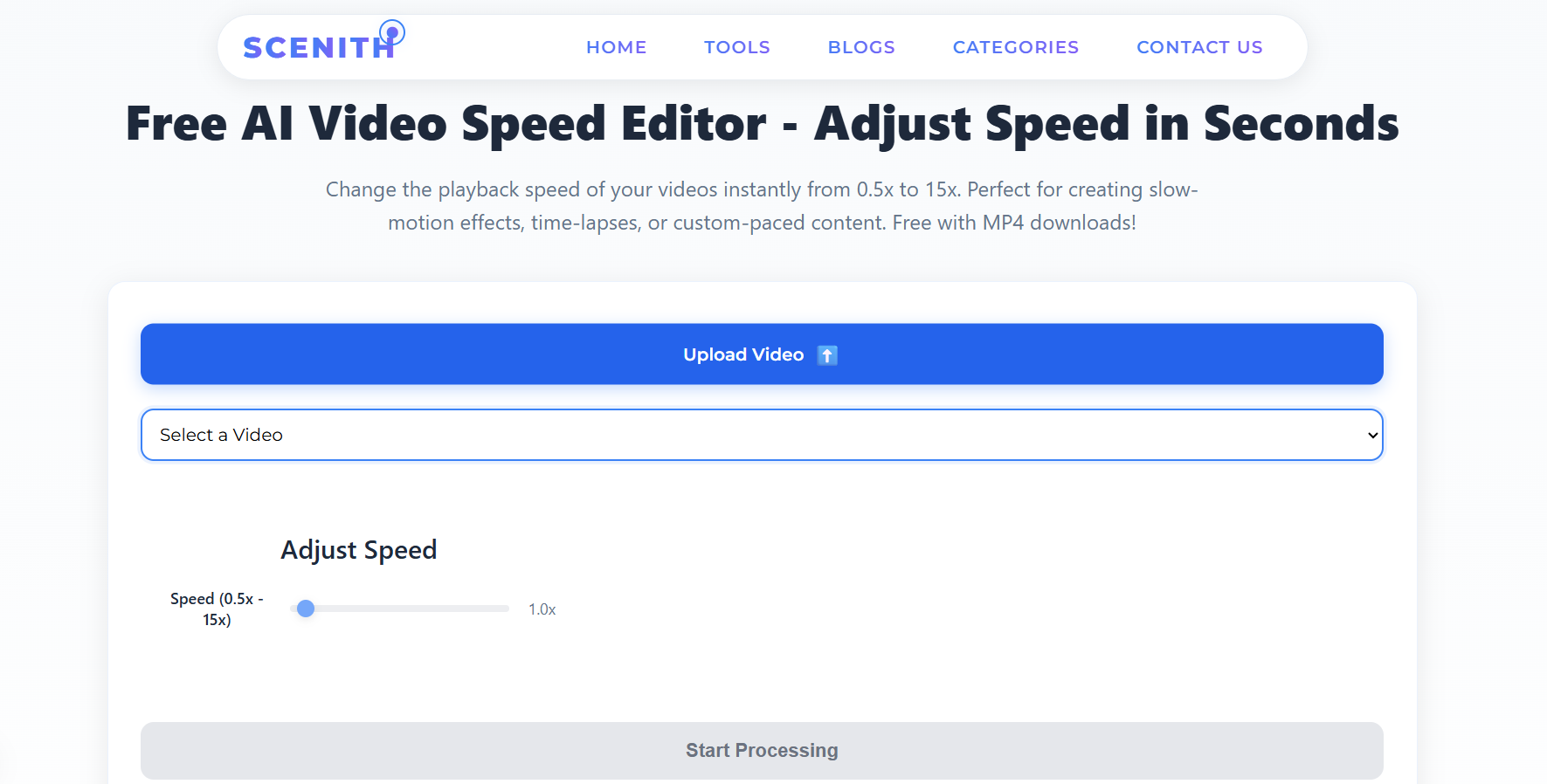
No editing software. No learning curve. Just upload, choose your speed, and download your accelerated MP4.
Drag and drop or upload any video file — MP4, MOV, AVI, MKV, WebM up to 500MB. Your file is encrypted in transit and processed securely.
Pick from presets like 1.25x (Social Fast), 2x (Learning Mode), 4x (Timelapse), or enter any custom value up to 15x for extreme acceleration.
Click Start Processing. GPU-accelerated rendering completes in ~3 minutes. Download your clean, watermark-free MP4 ready for any platform.
From social media creators to educators and sports coaches — speeding up video is one of the most universally useful edits in content creation.
Speed up raw footage to hit 15–60 second limits without cutting content. 1.25x–2x keeps it natural while fitting platform requirements.
Convert hour-long walkthroughs into lean 30-minute lessons. 1.5x–2x speed keeps audio intelligible while slashing watch time.
Turn hours of construction, art creation, or cooking footage into jaw-dropping 30-second time-lapses at 8x–15x.
Compress full-game or full-workout footage into shareable highlight reels without tedious manual cutting.
Speed up product demonstrations and testimonials to match shortened modern attention spans on landing pages and ads.
Speed up B-roll, transitions, and filler footage to tighten your edit without touching a timeline manually.
Not all speed increases are equal. Here's exactly which multiplier to use for each content type — based on real creator data.
| Speed | Effect | Best For | Audio |
|---|---|---|---|
| 1.25x | Slightly brisk | Daily vlogs, walkthroughs, casual content | ✅ Perfectly natural |
| 1.5x | Energetic pace | Instagram Reels, TikTok, fitness content | ✅ Natural with slight tempo |
| 2x | Fast-forward | Tutorials, lectures, online courses | ⚠️ Intelligible, slightly robotic |
| 3x–4x | Montage speed | Travel B-roll, cooking, getting-ready | ❌ Replace with music |
| 5x–8x | Timelapse | Commute, nature, city footage | ❌ Replace with music |
| 10x–15x | Extreme timelapse | Construction, sunsets, art creation | ❌ Replace with music |
Above 2x? Mute the video and add background music. Chipmunk audio kills engagement faster than anything.
Shoot at 60fps if possible — it gives smoother results when sped up compared to 30fps source footage.
For Reels/TikTok: 1.5x hits the sweet spot between feeling dynamic and keeping audio natural.
Export multiple speeds (2x, 3x, 4x) and test which gets better retention with your specific audience.
Use 1.25x for lecture recordings — studies show comprehension stays high at 1.25x–1.5x but drops above 2x.
Combine speed-up sections with normal-speed moments for "speed ramp" style videos — far more cinematic.
Why pay $55/month or spend hours learning software just to speed up a video?
| Feature | Scenith (Free) | Premiere / Final Cut |
|---|---|---|
| Cost | ✅ Free forever | ❌ $20–$55/month (Premiere, Final Cut) |
| Processing Time | ✅ 2–5 minutes | ❌ 10–30 min manual editing |
| Speed Range | ✅ 1.25x – 15x | ⚠️ Manual — easy to make mistakes |
| Ease of Use | ✅ One click, slider control | ❌ 10–20 hrs to learn software |
| Watermark | ✅ Zero watermarks | ✅ No watermark (but paid) |
| Device Required | ✅ Any browser — mobile too | ❌ Powerful PC/Mac required |
| Audio Sync | ✅ Auto pitch correction | ⚠️ Manual audio adjustment |
| Export Format | ✅ Instant HD MP4 | ⚠️ Requires export knowledge |
Saves you $240–$660/year vs paid editing software
⭐⭐⭐⭐⭐"I've tried 6 different 'speed up video online' tools. Scenith is the only one that doesn't degrade quality above 4x. My construction timelapse reels have never looked better."
⭐⭐⭐⭐⭐"Sped up a 2-hour tutorial to 1.5x and saved 40 minutes of watch time for my students. The audio stays completely natural. This is now baked into my course production workflow."
⭐⭐⭐⭐⭐"My fitness highlight reels went from 2-hour edit sessions to 10 minutes. Upload, click 3x, download. That's literally it. No Premiere, no headaches."
Average human attention span online has dropped to 8 seconds — lower than a goldfish. Content creators who understand speed psychology dominate their platforms. Videos that use speed variation strategically retain 72% more viewers past the first 30 seconds compared to constant-pace videos.
Speeding up video isn't just about saving time — it's a narrative tool. A 2x-speed montage conveys energy and momentum. A 1.25x tutorial conveys efficiency and respect for the viewer's time. An 8x timelapse conveys the passage of time in a way that no narration can match.
Traditional desktop editors like Adobe Premiere use CPU-based rendering for speed changes, which can take 20–45 minutes for a 10-minute video. Scenith's online tool uses GPU-accelerated FFmpeg pipelines hosted on cloud infrastructure, completing the same operation in 2–5 minutes regardless of your local device's power.
The process: Your video is decoded frame-by-frame, the presentation timestamp (PTS) of each frame is multiplied or divided by your chosen speed factor, audio samples are resampled with pitch correction, then everything is re-encoded to H.264 MP4 with the original quality settings preserved.
TikTok & Instagram Reels: 1.5x is the creator's sweet spot. You stay under 60 seconds without cutting content, and the slight speed increase reads as "energetic" to the algorithm and viewer. Stories do well at 1.25x.
YouTube: Viewers already use YouTube's built-in 1.25x/1.5x playback. Uploading a pre-accelerated 2x tutorial means mobile viewers (who often can't change speed easily) get efficient content by default.
LinkedIn: 1.25x speeds work particularly well for professional content — it signals efficiency without feeling rushed, matching LinkedIn's professional, time-conscious audience.
Emotional content — interviews, heartfelt moments, client testimonials — should never be accelerated. Speed reduces emotional weight. Similarly, product demos where viewers need to follow along precisely perform better at 1x or even 0.9x (slightly slowed) for clarity.
The rule: speed up B-roll, slow down or keep normal any content that requires cognitive or emotional processing. This hybrid approach — which requires a full editor for speed ramping, or multiple exports combined — is what separates professional content from amateur work.
Join 30,000+ creators who use Scenith to accelerate videos online — free, fast, and watermark-free. From social media to professional productions, your next video is one click away.
Speed Up My Video — It's Free