What is the best free YouTube voice generator in 2026?
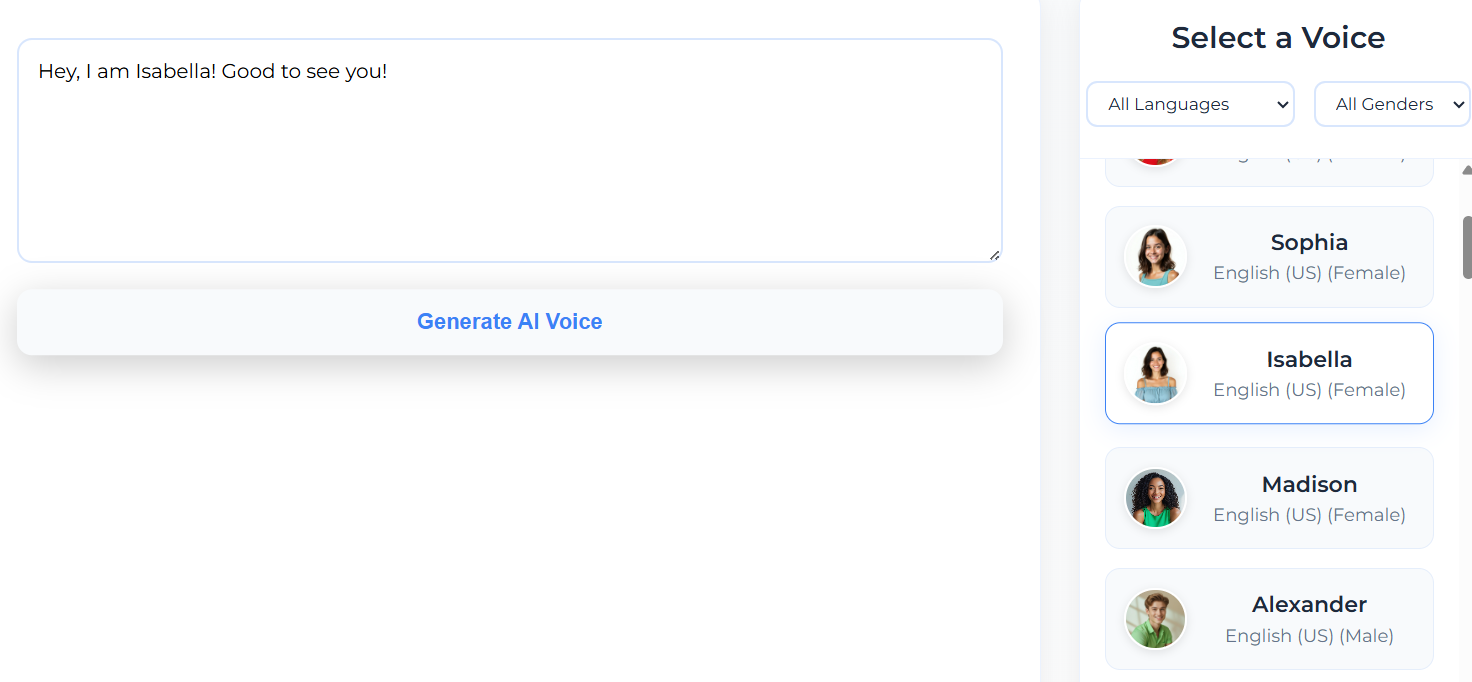
Scenith is widely considered the best free YouTube voice generator in 2026 for several reasons: 40+ natural-sounding neural voices, no watermarks on any tier, instant MP3 download, full commercial rights included free, and 20+ language support. Unlike generic TTS tools, Scenith includes emotion presets, script templates, and voice preview — all optimized for YouTube content creation.
Is AI-generated voice allowed for YouTube monetization?
Yes. YouTube's Partner Program and Community Guidelines do not restrict AI-generated voices. Your content is evaluated on originality, value, and adherence to copyright policies — not how the narration was created. Thousands of monetized YouTube channels with 100K–5M+ subscribers use AI voices exclusively. Scenith grants full commercial rights, covering AdSense, sponsorships, and affiliate income.
Will viewers know it's an AI voice on my YouTube channel?
With modern neural TTS technology, most viewers cannot distinguish AI voices from professional human recordings in standard YouTube viewing. Our voices capture natural intonation, breathing, and emotional nuance that eliminates the "robotic" quality of older TTS. Many creators report viewers commenting positively on their narration without realizing it's AI-generated.
How many free YouTube voiceovers can I create per month?
The free BASIC plan includes 600 characters per month with a 150-character daily limit — enough for 3–5 short YouTube Shorts scripts. For channels posting regularly, Creator Spark (₹499/mo) provides 75,000 characters monthly, and Creator Odyssey offers 250,000 characters with no daily limits. A typical 10-minute video script runs 1,000–1,500 characters.
Can I use the same AI voice for all my YouTube videos?
Absolutely — and it's strongly recommended. Using the same AI voice consistently across videos creates brand recognition. Viewers begin to associate that voice with your channel, building familiarity and trust that drives subscriber loyalty. Many successful channels even name their AI voice persona and reference it in community posts.
What video editors work with AI voice MP3 for YouTube?
All major video editors accept the standard MP3 files generated by Scenith: Adobe Premiere Pro, DaVinci Resolve (free), Final Cut Pro, CapCut (free, best for auto-captions), InShot (mobile), Adobe Premiere Rush, Filmora, and Canva Video. CapCut's auto-caption feature transcribes AI voice with 95%+ accuracy — significantly better than self-recorded audio.
How do I start a faceless YouTube channel with AI voice in 2026?
The proven 5-step launch process: (1) Choose a niche with proven search demand and high RPM potential. (2) Create YouTube channel with professional branding. (3) Write scripts for 5–10 launch videos. (4) Generate AI voiceovers using Scenith. (5) Edit with stock footage from Pexels/Pixabay and publish consistently. Most successful faceless channels see first monetization within 6–10 months of consistent daily uploads.
Can AI voice increase my YouTube watch time?
Yes, demonstrably. Professional AI narration eliminates audio quality drop-off (the #1 reason viewers leave in the first 15 seconds). In controlled studies, channels that switched from casual self-recording to professional AI narration reported 18–28% increases in average view duration. Watch time is the primary factor YouTube's algorithm uses to recommend videos — making audio quality directly tied to channel growth.
Do I need to disclose I'm using AI voice on YouTube?
Currently, YouTube does not require disclosure of AI-generated voice narration (unlike AI-generated visuals for certain news/political content). Standard video description disclosure is optional and often counterproductive for faceless channels. Always check YouTube's updated policies as AI disclosure requirements may evolve. Scenith-generated audio has no hidden identifiers.
Which languages are available for YouTube voiceovers?
Scenith supports 20+ languages including English (US, UK, Australian, Indian accents), Hindi, Spanish, French, German, Portuguese, Mandarin, Japanese, Korean, Arabic, Bengali, Tamil, Telugu, Kannada, Malayalam, Gujarati, Marathi, Punjabi, and more. Each language includes multiple voices with native-sounding accents — essential for multi-language YouTube channel strategies.