How Does AI Image Generation Actually Work?
Modern AI image generators use a class of deep learning model called a latent diffusion model. These models are trained on hundreds of millions of image-text pairs, learning the statistical relationship between written descriptions and visual content at an extraordinarily granular level.
When you submit a prompt, the model first encodes your text into a high-dimensional mathematical representation using a language model (typically a variant of CLIP or T5). This representation is then used to guide a reverse diffusion process — starting from random noise and iteratively removing noise in a direction determined by your text description, over hundreds of steps, until a coherent image emerges.
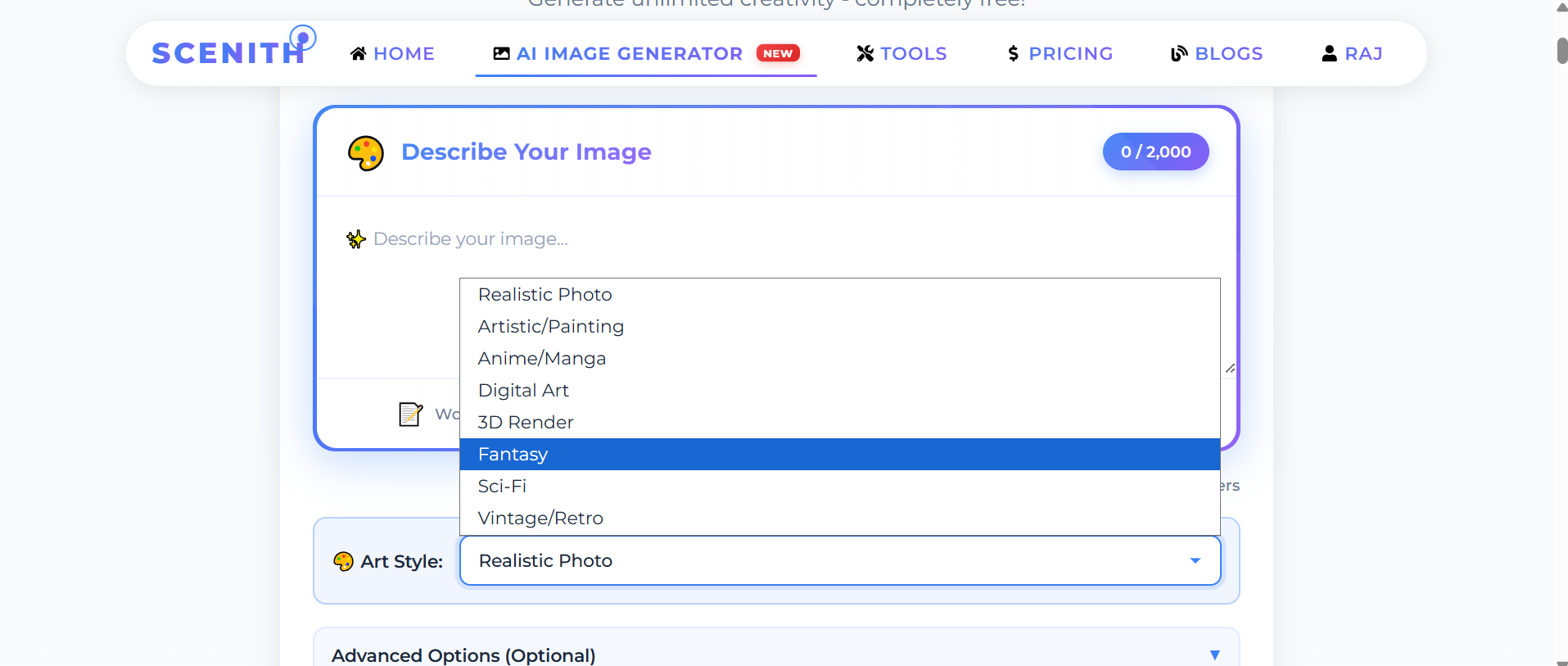
The reason style presets work is that the model associates specific visual vocabularies with stylistic labels present in its training data. "Anime" activates distributions of pixel patterns, colour palettes, and line characteristics associated with Japanese animation. "Realistic Photo" activates patterns from photographic datasets. Each style condition fundamentally reshapes the generation trajectory.
AI Image Generation vs Traditional Stock Photography
The case for AI-generated images over stock photography comes down to three fundamental advantages: specificity, uniqueness, and cost.
Stock libraries contain millions of images, but they're built around what photographers anticipated people would need — not what you actually need. Finding an image that shows exactly your scenario, your demographic, your brand tone, and your visual style is functionally impossible. AI generation lets you specify exactly what you need and receive it, every time.
Uniqueness matters because stock photos are used by thousands of businesses simultaneously. When your competitor's website uses the same Shutterstock image as yours, it signals a lack of investment in brand identity. AI-generated images are statistically unique — the same prompt produces different outputs on each generation, meaning your imagery belongs only to you.
Cost comparison: Stock photo subscriptions run $29–$199/month. Professional photography runs ₹5,000–₹50,000 per session. AI image generation on Scenith starts at $9/month for 100 credits.
Copyright and Commercial Rights for AI-Generated Images
The legal landscape for AI-generated image rights is actively evolving, but the practical position for Scenith users is clear: you own the commercial rights to everything you generate. Scenith makes no claim on your outputs.
From a copyright perspective, the US Copyright Office has ruled that purely AI-generated works (without human creative input) are not eligible for copyright protection — meaning they enter the public domain immediately. However, this also means no third party can claim copyright over your AI-generated images either.
Practically, this means you can use AI-generated images in commercial products, marketing materials, client deliverables, merchandise, and any commercial context. The key limitation is that you cannot register an AI-generated image for copyright protection yourself — but for the vast majority of business use cases, that's irrelevant.
The AI Image Generation Workflow for Content Creators
Professional content creators use AI image generation as the first stage of a multi-step production workflow rather than a final output tool. The most effective approach:
Stage 1 — Generation: Use Scenith's AI image generator to create a base image that captures the composition, mood, and subject matter you need. Generate 3–5 variations with slightly different prompts to explore options.
Stage 2 — Selection: Choose the generation with the best composition and base aesthetic. Small imperfections are acceptable — they'll be addressed in editing.
Stage 3 — Enhancement: Click "Edit in Editor" to open your image in Scenith's full image editor. Add text overlays, apply colour grading, composite with other elements, adjust brightness and contrast, and crop to your platform's required dimensions.
Stage 4 — Export: Export in the format required for your target platform — PNG for transparent backgrounds, JPG for web performance, PDF for print.